

Search Exchange
Search All Sites
Nagios Live Webinars
Let our experts show you how Nagios can help your organization.Login
 New Listings
Directory Tree
check_cciss - HP and Compaq Smart Array Hardware status


- Nagios 1.x
- Nagios 2.x
- Nagios 3.x
| File | Description |
|---|---|
| check_cciss-1.8 | check_cciss 2008/10/06 (v.1.8) |
| check_cciss-1.9 | check_cciss 2012/03/06 (v.1.9) |
| check_cciss-1.10 | check_cciss 2012/04/04 (v.1.10) |
| check_cciss-1.11 | check_cciss 2012/07/16 (v.1.11) |
| check_cciss-1.12 | check_cciss 2013/11/20 (v.1.12) |
| check_cciss-1.13 | check_cciss 2017/01/23 (v.1.13) |
| check_cciss-1.14 | check_cciss 2017/02/25 (v.1.14) |
| check_cciss-1.15 | check_cciss 2017/04/28 (v.1.15) |
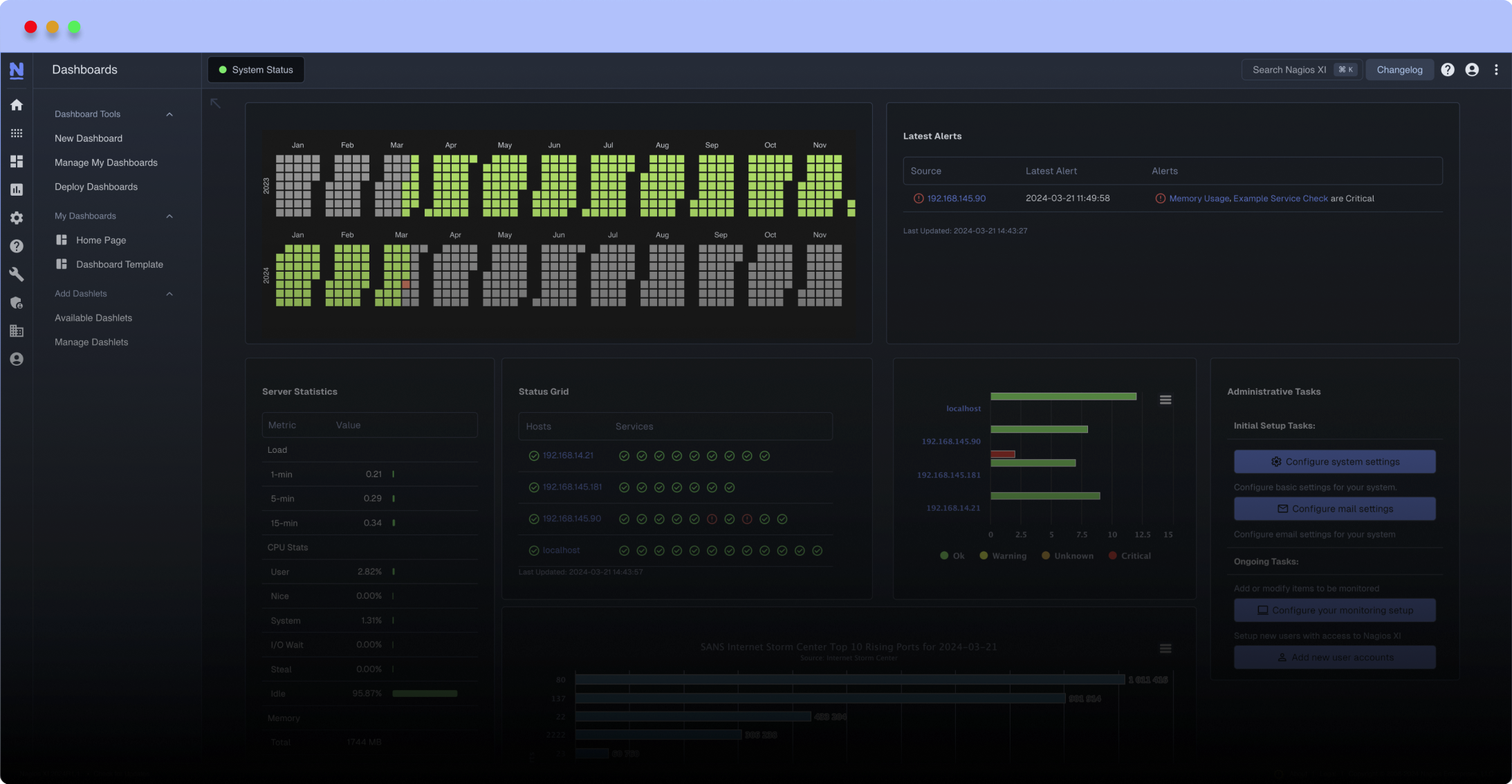
Meet The New Nagios Core Services Platform
Built on over 25 years of monitoring experience, the Nagios Core Services Platform provides insightful monitoring dashboards, time-saving monitoring wizards, and unmatched ease of use. Use it for free indefinitely.
Monitoring Made Magically Better
- Nagios Core on Overdrive
- Powerful Monitoring Dashboards
- Time-Saving Configuration Wizards
- Open Source Powered Monitoring On Steroids
- And So Much More!

Examples:
./check_cciss -v
RAID OK: Smart Array 6i in Slot 0 array A logicaldrive 1 (67.8 GB, RAID 1+0, OK) (Controller Status: OK Cache Status: OK Battery Status: OK)
./check_cciss -v -p
RAID OK: Smart Array 6i in Slot 0 (Embedded) array A logicaldrive 1 (33.9 GB, RAID 1, OK)
physicaldrive 2:0 (port 2:id 0 , Parallel SCSI, 36.4 GB, OK)
physicaldrive 2:1 (port 2:id 1 , Parallel SCSI, 36.4 GB, OK)
physicaldrive 1:5 (port 1:id 5 , Parallel SCSI, 72.8 GB, OK, spare)
[Controller Status: OK Cache Status: OK Battery/Capacitor Status: OK]
./check_cciss
RAID OK
Another Examples:
RAID CRITICAL - HP Smart Array Failed: Smart Array 6i in Slot 0 array A (failed) logicaldrive 1 (67.8 GB, 1+0, Interim Recovery Mode)
RAID WARNING - HP Smart Array Rebuilding: Smart Array 6i in Slot 0 array A logicaldrive 1 (67.8 GB, 1+0, Rebuilding)
I have imported this plugin on my EON server. After following the steps, I have this error :
RAID UNKNOWN - /usr/sbin/hpssacli did not execute properly : Error: No controllers detected. Possible causes: - The driver for the installed controller(s) is not loaded. - On LINUX, the scsi_generic (sg) driver module is not loaded. See the README file for more details.
I have check the sudoer/permission and everything seems to be fine. Anyone could kindly advise me ?
Regards,
@@ -188 +188,3 @@
-. $PROGPATH/utils.sh
+[[ -x $PROGPATH/utils.sh ]] && . $PROGPATH/utils.sh
+[[ -x /usr/lib/nagios/plugins/utils.sh ]] && . /usr/lib/nagios/plugins/utils.sh
+[[ -x /usr/lib64/nagios/plugins/utils.sh ]] && . /usr/lib64/nagios/plugins/utils.sh
@@ -291 +293 @@
-if [ ! -x $hpacucli ]; then
+if [ ! -f $hpacucli ]; then
@@ -296 +298 @@
- if [ -x $hpssacli ]; then
+ if [ -f $hpssacli ]; then
@@ -410,0 +413 @@
+ check=`echo "$check" | grep -v 'Cache Status: Permanently Disabled'`
Thanks for your work!
I had to make a small fix to work on my system:
(v1.15)
on line 296:
from: if [ -x $hpssacli ]; then
to: if [ -e $hpssacli ]; then
since -x tests FILE exists and execute (or search) permission is granted
But I guess in my case execute is not granted at test time.
Hi mamiral, thank you for using my plugin. I'm glad you've adapted it to your system :-) Regards
RAID CRITICAL - HP Smart Array Failed: Smart Array P410 in Slot 2 Controller Status: OK Cache Status: Temporarily Disabled Battery/Capacitor Status: Failed (Replace Batteries/Capacitors) Smart Array P410i in Slot 0 (Embedded) Controller Status: OK Cache Status: OK Battery/Capacitor Status: OK
Hi Colby, thanks for testing my plugin with Icinga 2. Sorry but I'm not using this alternative to Nagios. You have to adapt it if needed (for example the "$STATE_*" definited into Nagios "utils.sh"). Regards
hpacucli work fine if executed stand alone. Yes sudoers has correct entry.
any help would be appreciated.
Hi,
updated today to 1.15 with debug/notes about this.
The problem can be this:
# chmod 555 /usr/sbin/hpacucli
# chmod 555 /usr/sbin/hpssacli (default are 500 root:root)
$ sudo ln -s /usr/sbin/ssacli /usr/sbin/hpssacli
Also, the script notes that /etc/sudoers should contain:
nagios ALL=NOPASSWD: /usr/sbin/hpacucli, /usr/sbin/hpssacli
For RHEL7 nrpe package at least this should be:
nrpe ALL=NOPASSWD: /usr/sbin/hpacucli, /usr/sbin/hpssacli
If you adapt the script to check for ssacli instead of or in addition to hpssacli of course you also need to change the /etc/sudoers entry.
Lastly, it's good practice to use a separate /etc/sudoers.d/ssacli file instead of changing the main /etc/sudoers file.
Notes added to v.1.15
Thanks
@@ -346,6 +346,9 @@
if echo ${check} | egrep Failed >/dev/null; then
echo "RAID CRITICAL - HP Smart Array Failed: "${check} | egrep Failed
exit $STATE_CRITICAL
+elif echo ${check} | egrep "Cache Status: Temporarily Disabled" >/dev/null; then
+ echo "RAID WARNING - HP Smart Array Cache Disabled: "${check}
+ exit $STATE_WARNING
elif echo ${check} | egrep Disabled >/dev/null; then
echo "RAID CRITICAL - HP Smart Array Problem: "${check} | egrep Disabled
exit $STATE_CRITICAL
@@ -361,9 +364,6 @@
elif echo ${check2} | egrep Recover >/dev/null; then
echo "RAID WARNING - HP Smart Array Recovering: "${check2} | egrep Recover
exit $STATE_WARNING
-elif echo ${check} | egrep "Cache Status: Temporarily Disabled" >/dev/null; then
- echo "RAID WARNING - HP Smart Array Cache Disabled: "${check}
- exit $STATE_WARNING
elif echo ${check} | egrep FIRMWARE >/dev/null; then
echo "RAID WARNING - "${check}
exit $STATE_WARNING
RAID UNKNOWN - /usr/sbin/hpacucli did not execute properly : sudo: sorry, you must have a tty to run sudo
Another poster has reported the same a year ago but no response from developer. Is plugin dead?
It doesn't appear that any of the three drivers are available on our system:
HPPROC="/proc/driver/cciss/cciss"
HPSCSIPROC="/proc/scsi/scsi"
COMPAQPROC="/proc/driver/cpqarray/ida"
However, the program 'hpacucli' seems to work correctly.
I suspect it has something to do with the fact that we don't need the cciss drivers anymore but are using hpsa (/sys/module/hpsa/)
If this is something you'll fix, then I'll wait for an update, otherwise I'll patch it locally, perhaps by ripping out the checks.
your script works great on the local machine but when I try it on the nagios server with nrpe, I have this message :
RAID UNKNOWN - /usr/sbin/hpacucli did not execute properly : sudo: sorry, you must have a tty to run sudo
Could you help me to resolve this ?
Otherwize I've got "RAID UNKNOWN - HP Smart Array not found".
I think it's because the system recognize it has an internal drive, so you may add an option to enable/disable the check.
./check_cciss-1.11 -v
RAID CRITICAL - HP Smart Array Failed: Smart Array P400 in Slot 1 Controller Status: OK Cache Status: Temporarily Disabled Battery/Capacitor Status: Failed (Replace Batteries/Capacitors)
./check_cciss-1.11 -v -p
RAID CRITICAL - HP Smart Array Failed: Smart Array P400 in Slot 1 Controller Status: OK Cache Status: Temporarily Disabled Battery/Capacitor Status: Failed (Replace Batteries/Capacitors)
Hello Patrick,
use the "-p" (detail for physical drives) with the "-v" (status and informations about RAID).
Regards
[nrpe@CCNETENGDB2] [/usr/lib64/nagios/plugins] > ./check_cciss
RAID UNKNOWN - /usr/sbin/hpacucli did not execute properly : Error: The controller identified by "slot=1" was not detected.
Line 256, I added a + to Slot \w to \w+. after adding this, the slot is properly identified and everything works fine!
# Get "Slot" & exclude slot needed
if [ "$EXCLUDE_SLOT" = "1" ]; then
slots=`echo ${check} | egrep -o "Slot \w+" | awk '{print $NF}' | grep -v "$excludeslot"`
else
slots=`echo ${check} | egrep -o "Slot \w+" | awk '{print $NF}'`
fi
--Joe
Thanks, I've not a DL580 :-)
It will be fixed/included with the 1.12 version
--- check_cciss-1.11 2013-03-27 12:13:13.732582522 -0700
+++ check_cciss 2013-03-27 11:42:54.888555702 -0700
@@ -209,7 +209,7 @@
done
# Use HPSA driver (Hewlett Packard Smart Array)
-if [ "$HPSA" = "1" ]; then
+if [ "$HPSA" = "1" -o -d /sys/bus/pci/drivers/hpsa ]; then
COMPAQPROC="/proc/scsi/scsi"
fi
Good! ;-)
if [ "$EXCLUDE_SLOT" = "1" ]; then
# slots=`echo ${check} | egrep -o "Slot \w" | awk '{print $NF}' | grep -v "$excludeslot"`
slots=`echo ${check} | egrep -o "Slot \w*" | awk '{print $NF}' | grep -v "$excludeslot"`
else
# slots=`echo ${check} | egrep -o "Slot \w" | awk '{print $NF}'`
slots=`echo ${check} | egrep -o "Slot \w*" | awk '{print $NF}'`
fi
Thanks.
It will be fixed/included with the 1.12 version
username@Server:~$ /usr/lib/nagios/plugins/check_cciss -d
### Check if "HP Smart Array" (/proc/driver/cciss/cciss) is present >>>
cat: /proc/driver/cciss/cciss*: No such file or directory
### Check if "HP Smart Array" (/proc/driver/cpqarray/ida) is present >>>
cat: /proc/driver/cpqarray/ida*: No such file or directory
RAID UNKNOWN - HP Smart Array not found
Hi! Try -s ...detect controller with HPSA (Hewlett Packard Smart Array)
PS.the raid HW is P410i
Hi! Try -s ...detect controller with HPSA (Hewlett Packard Smart Array)
Hi Andrew, the script is simple to setup. You can ask you question to Nagios Forum http://support.nagios.com/forum/ or similar forum/mailing list. Regards


